Which AI Agent Framework Should You Actually Use?
Ronnie Miller
October 15, 2025
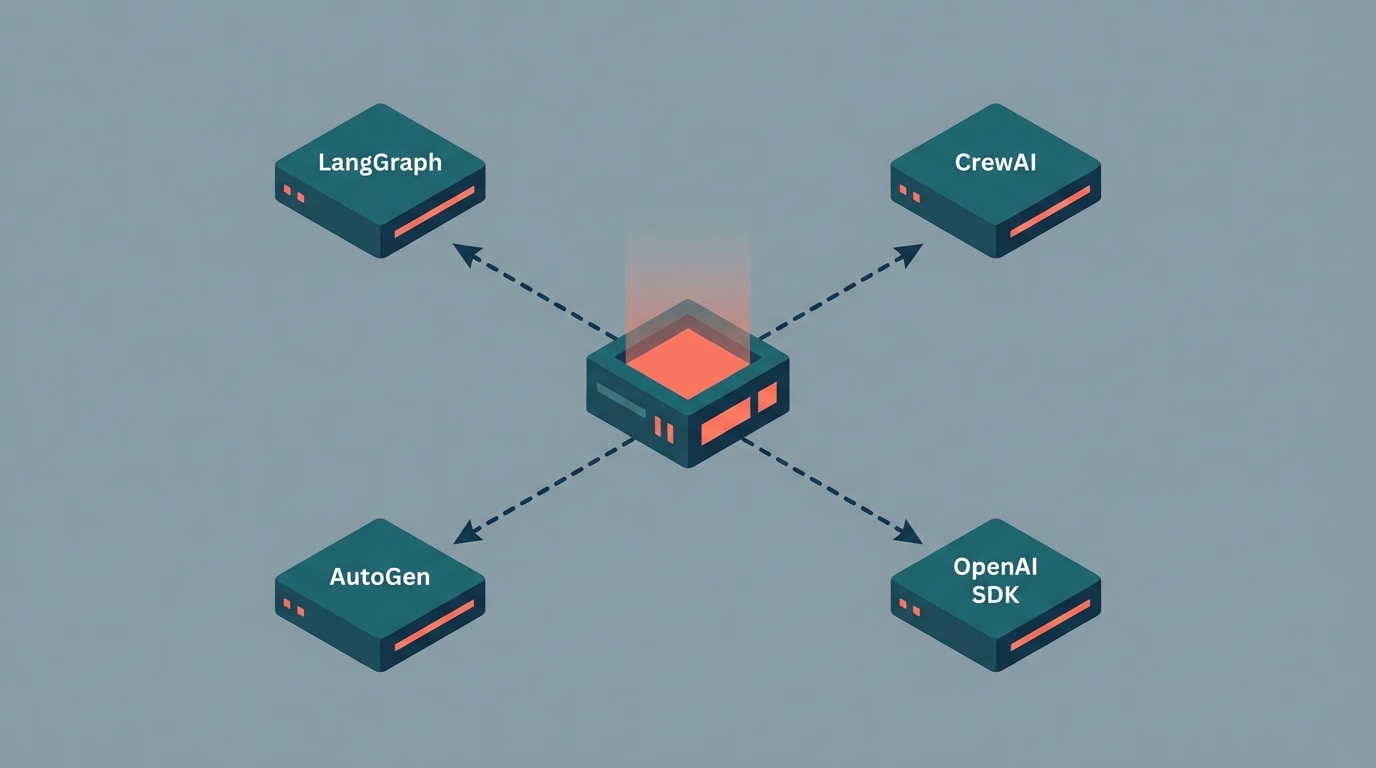
Everyone's building agents. And everyone's asking the same question: which framework should we use?
Most teams answer it backwards. They pick based on whatever tutorial they found first, or whatever their most vocal engineer advocates for, or whatever the current hype cycle is pointing at. Then they spend three months building, discover the framework doesn't fit their actual architecture, and face a rewrite.
There's no universal winner here. LangGraph, CrewAI, AutoGen, and the OpenAI Agents SDK all exist for different reasons. The right choice depends on what you're actually building. According to LangChain's 2025 State of Agent Engineering report, 57% of organizations now have agents in production. The report is also clear that most quality failures trace back to architectural mismatch, not model capability.
So let's talk about the actual decision.
LangGraph: When You Need Explicit Control
LangGraph is the right choice when your workflow has complex branching logic, state that needs to persist across steps, and failure modes you need to be able to debug and replay.
The graph-based model is its core strength. You define your workflow as nodes and edges — explicit, inspectable, testable. When something goes wrong in production (and it will), you can trace exactly what path the agent took, what state it was in at each step, and why it made the decision it made. That sounds like a minor convenience. It isn't. It's the difference between debugging and guessing.
LangGraph's "time travel" feature deserves more attention than it usually gets. You can rewind an agent's execution to any prior state and replay from there. For production debugging, this is genuinely useful in a way that's hard to appreciate until you're staring at a failed run at 2am.
Use LangGraph when: your workflow has branching logic that matters, you need persistent state across multi-step processes, your team values debuggability over rapid prototyping, or you're building something where bad decisions have real consequences.
The tradeoff is a steeper learning curve. The graph abstraction requires you to think clearly about your workflow before you start building, which is good engineering practice, but not the fastest path from zero to demo.
CrewAI: When You're Modeling a Business Process
CrewAI is built around real-world organizational structures. You define agents with roles (researcher, analyst, writer, reviewer), assign them tasks, and let the crew coordinate. If you've ever written a job description, you already understand the mental model.
This makes CrewAI intuitive for business workflows: the kind of multi-step processes that map to how actual work gets done. Automated research pipelines, document processing chains, content review workflows. The abstraction fits these problems in a way that a graph-based model sometimes doesn't.
The practical production advantage: CrewAI ships with real-time agent monitoring, task limits, and fallback handling built in. There's also a paid enterprise control plane for teams that need observability without building the monitoring layer from scratch. Most teams dramatically underestimate how much engineering goes into watching agents in production. Having that infrastructure ready matters.
Use CrewAI when: your use case maps cleanly to a team of specialized agents working on a defined process, you want faster time-to-production, or you need observability without building it yourself.
The tradeoff: less control over the underlying execution graph than LangGraph. For workflows with genuinely complex conditional logic, that becomes a real constraint.
AutoGen: When Agents Need to Reason Together
AutoGen's focus is conversational multi-agent systems. Agents interact through natural language, taking on dynamic roles, collaborating through dialogue. It's the framework that most closely resembles how people imagine AI agents working together (which is sometimes an asset and sometimes a liability).
It's also the most research-oriented of the group. Microsoft built it for AI research environments, where dynamic and exploratory agent behavior is the goal. Novo Nordisk uses a production version for data science orchestration, extended to meet pharmaceutical compliance requirements. That's a legitimate production use case, but it required significant custom engineering on top of the base framework.
Use AutoGen when: your system genuinely benefits from agent-to-agent conversation, you're in a research or exploratory context where flexibility matters more than predictability, or you need dynamic role assignment across complex workflows.
The tradeoff: conversational multi-agent systems are harder to reason about and debug than graph-based or role-based ones. If your workflow can be expressed as a defined process, LangGraph or CrewAI give you more control over what actually happens.
OpenAI Agents SDK: When You Want to Move Fast
The OpenAI Agents SDK is the newest of the four and the simplest to get started with if your team is already building on OpenAI's models. The core abstraction is deliberately minimal: agents, tools, and handoffs. You define what an agent can do, you define who it can hand off to, and you're mostly done.
The simplicity is genuine. For relatively contained agentic tasks (a support agent that can look up account data, answer questions, and escalate to humans), the SDK gets you there with less scaffolding than any of the alternatives. The tradeoff is that complex stateful workflows will hit its limits faster than LangGraph would.
Use the Agents SDK when: your use case is well-defined and reasonably contained, your team is already invested in the OpenAI ecosystem, and you'd rather ship quickly than build a sophisticated framework.
The Actual Decision Framework
Before picking anything, answer these four questions:
- Does your workflow have complex branching that matters? LangGraph. The graph model handles this better than anything else.
- Does your use case map to a team of specialists working a process? CrewAI. The role-based model fits.
- Do your agents need to collaborate through dialogue? AutoGen. But make sure dialogue is actually what you need, not just what sounds appealing.
- Are you starting simple and want to move fast? OpenAI Agents SDK. Or don't use a framework at all.
That last option is underrated. For simpler agentic tasks, a framework adds overhead without adding value. A well-structured set of functions calling an LLM is often more maintainable than the same logic wrapped in a framework's abstractions. If your "agent" is really just a chain of three LLM calls with some conditional logic, you probably don't need a framework. You need a few functions and a clear head.
What Actually Goes Wrong
The most common mistake isn't picking the wrong framework. It's picking a framework before you've defined the workflow.
Teams get excited about agents, grab a framework, and start building. Six weeks later, they've got something that works in demos but fails in production in ways they can't inspect or reproduce. The LangChain report found that 32% of agent quality failures trace back to poor context management: agents losing track of what they're supposed to do, making decisions from incomplete state. That's an architectural problem. It happens regardless of which framework you're using.
The fix is simple and almost nobody does it: draw the workflow as a flowchart before you write a line of code. Map the states, the decision points, the failure modes, the handoffs. Then pick the framework that fits what you drew. The wrong order is pick framework, then figure out the workflow. That's how you end up with six weeks of work that doesn't survive contact with production.
If you're working through which approach fits what you're building, or whether a custom implementation makes more sense than any of these frameworks, that's exactly the kind of decision our AI agents work starts with. Before we write a line of code.
Need help making this real?
We build production AI systems and help dev teams go AI-native. Let's talk about where you are and what's next.